Platform Professional workspace
For advisors, attorneys, CPAs and family offices
Depth on every client, without more overhead.
Every household you serve, in one place: what needs attention, documents waiting for review, tasks across clients, and how far each record can be trusted. Your firm pays for the households it invites; the family keeps the record.
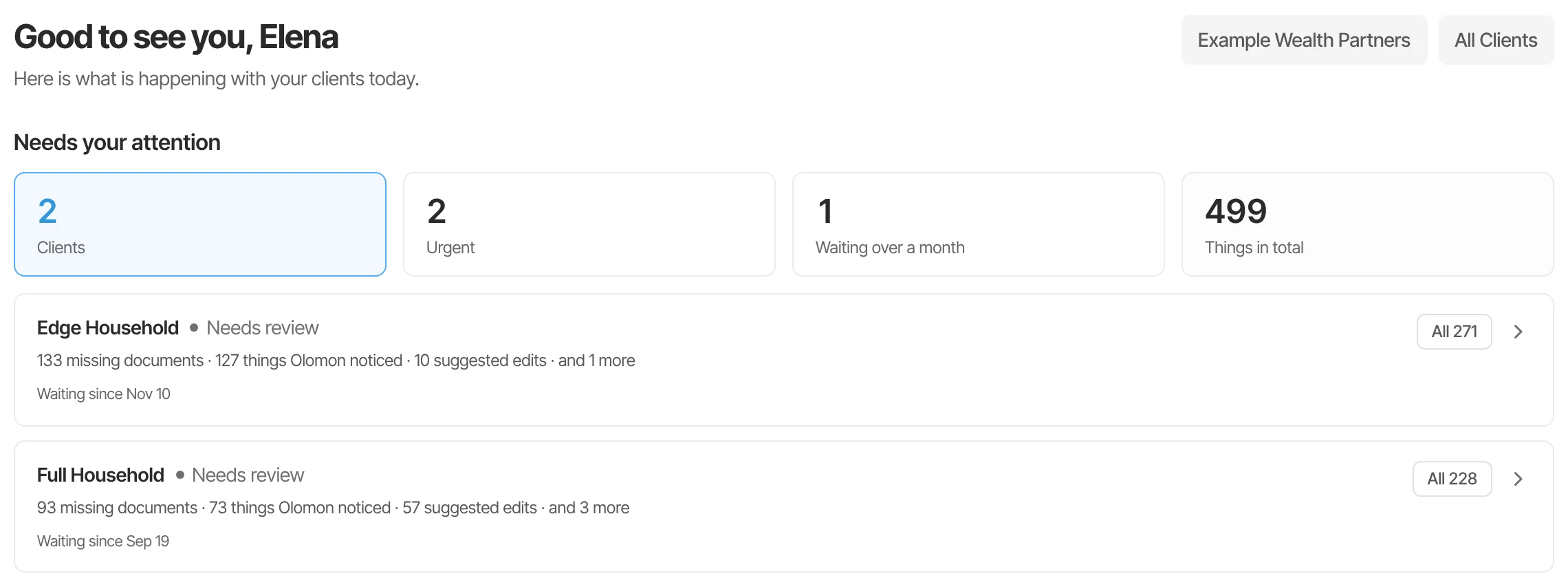
Your day
Start from what changed, not from a blank page.
Needs your attention
One ranked queue, a card per client: what Olomon noticed, updates waiting for a decision, conflicts and overdue work.
Files to review
Documents from every household, already read, waiting for someone on your team to accept or decline.
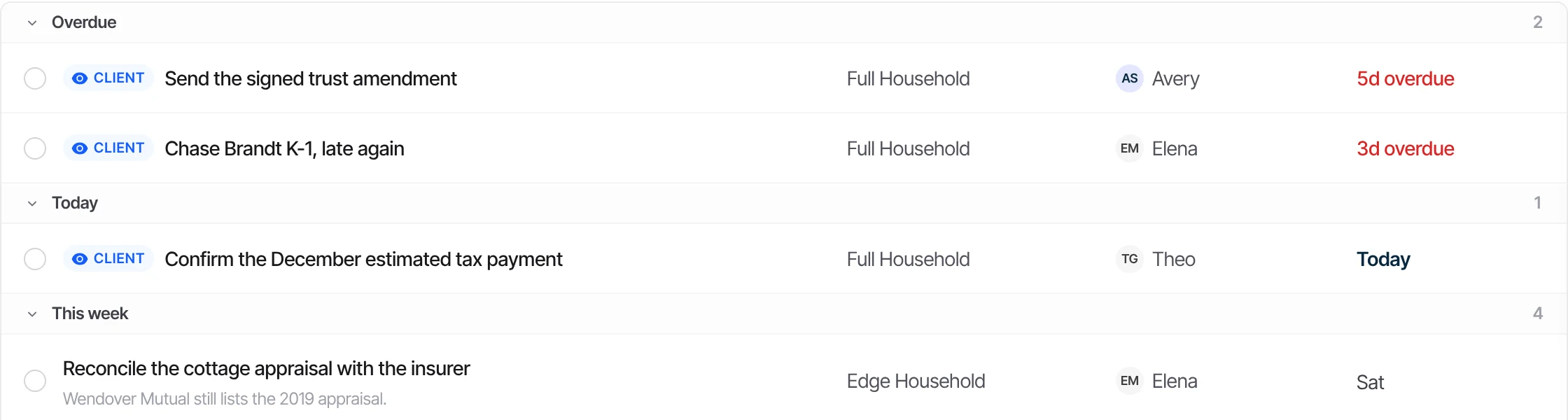
Tasks across clients
Overdue, today, this week and later, each with its household, the person assigned and the date.
Search and inbox
Find anything across the households you serve, and see what's come in, in one place.
Before every review
Walk in already knowing.
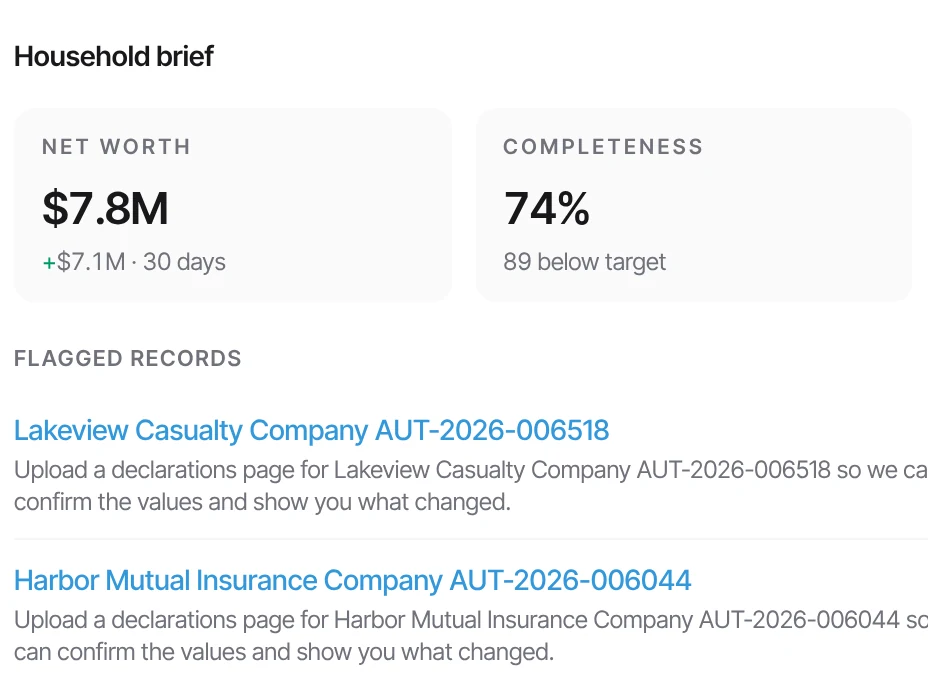
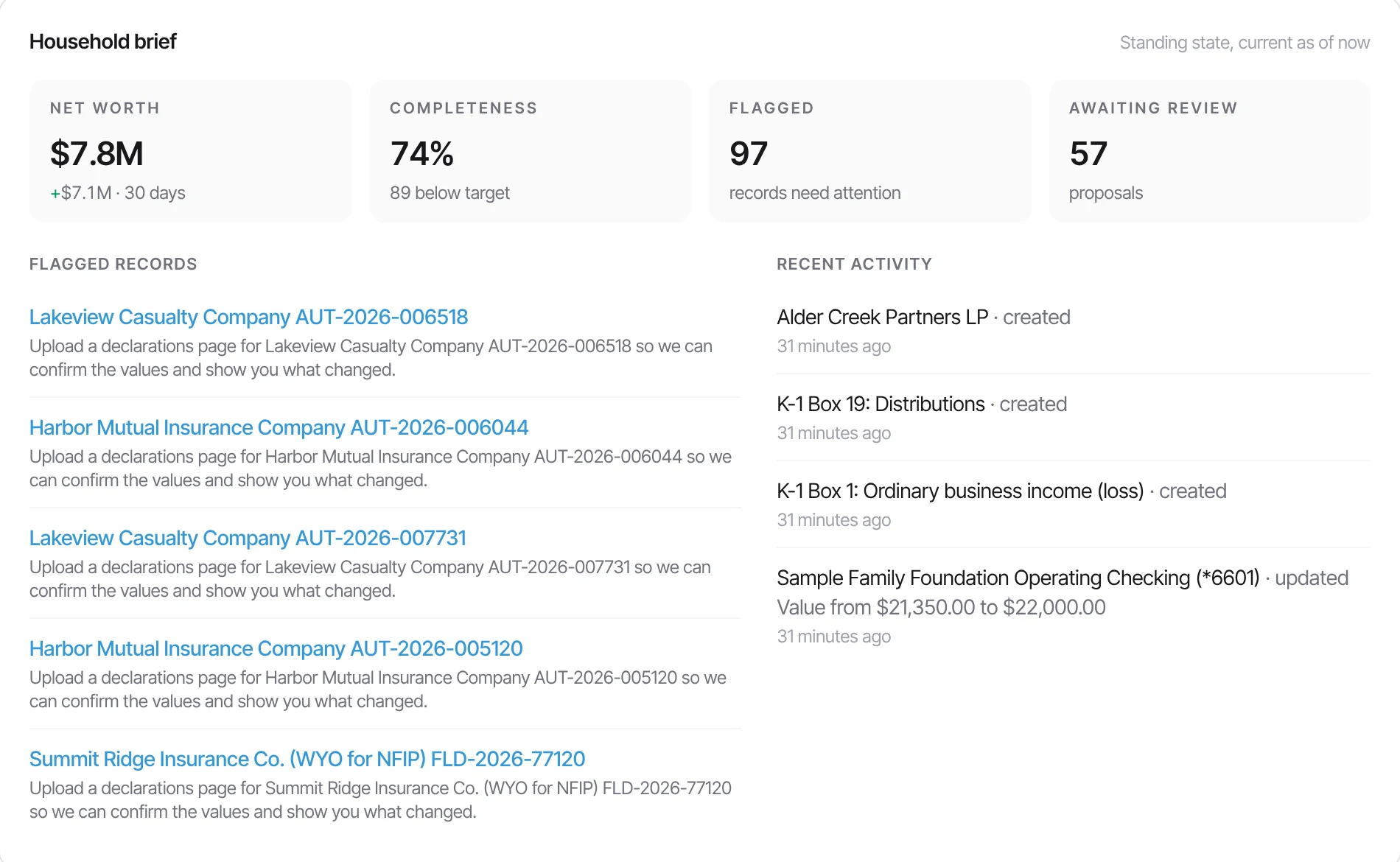
The household brief pulls the financial snapshot, how complete the record is, what’s flagged, updates waiting for a decision, open tasks and recent activity. Each section of it is pulled from the record. Meetings and their briefs are available on request.
The meeting starts with advice, not with catching everyone up.
Record health
Know which records you can rely on.
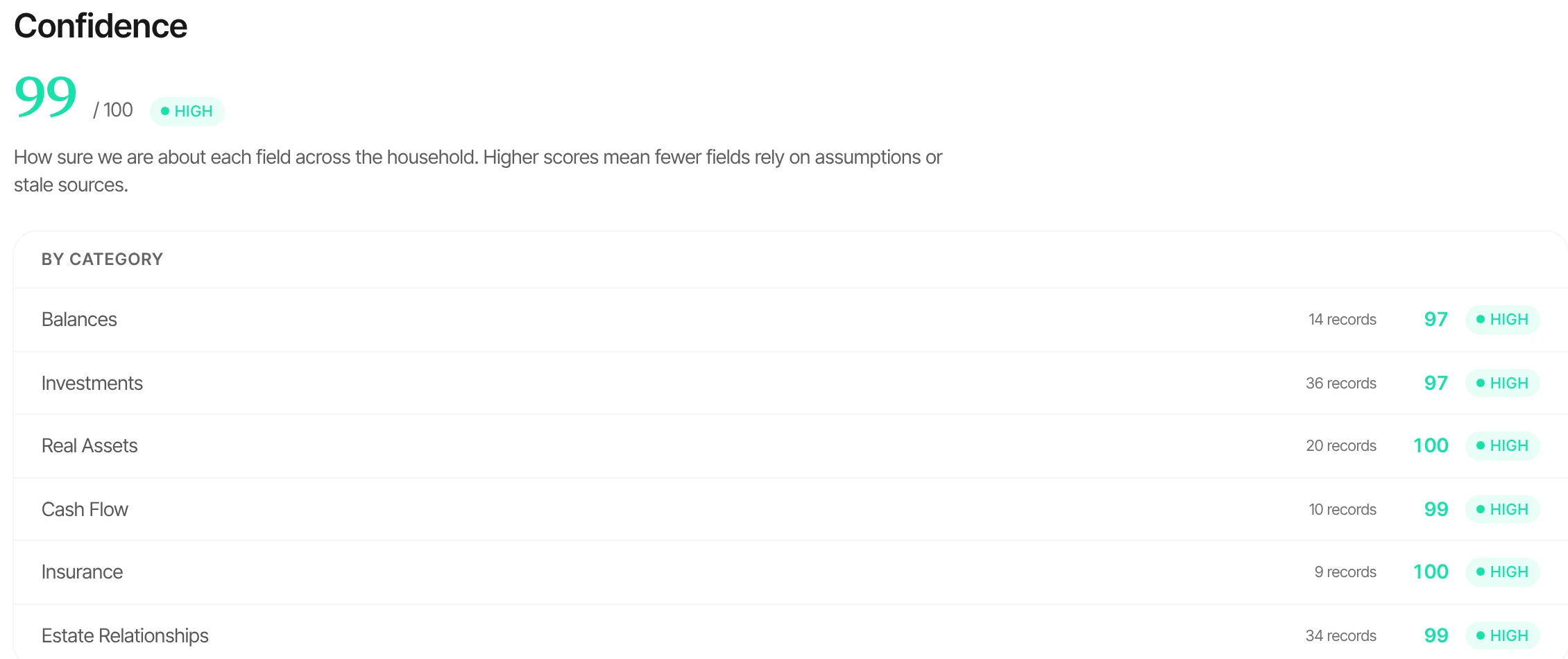
Olomon calculates a score from 0 to 100 for each household you serve, built from five weighted pillars, each with its own page that breaks it down. The score is for the advisor; the family sees its own view of how far to trust its record. Rescan whenever you like; snapshots keep the history.
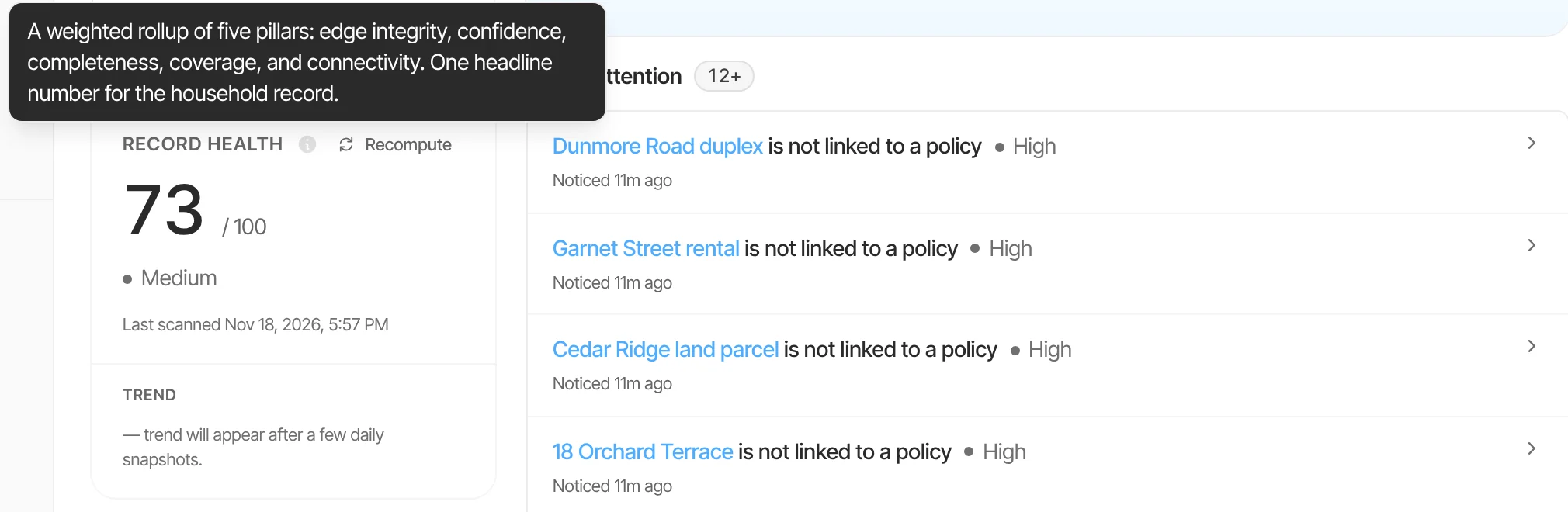
The five pillars
- Edge integrity
- 30%
- Confidence
- 25%
- Completeness
- 20%
- Coverage
- 15%
- Connectivity
- 10%
Checked across your whole book, every night.
Rules, not AI, look across the households your firm serves and flag what doesn’t add up, for you to resolve from Advisor Home:
- Duplicate people
- Beneficiary mismatches
- Assets attributed to the wrong owner
- Relationships that don't add up
Bringing clients in
The client arrives to a record, not a form.
- Prepare the record first
- Build a household's record before the client joins. On first sign-in they see a summary of what you prepared.
- Invite under your name
- Invitations carry your firm's name, your logo if you've added one, and who invited them.
- Organise the firm
- Group households under firms and workspaces, give each person the access their role needs, and narrow any page to one firm or workspace.
Keeping everyone in the loop
The family sees what it needs to.
- Comments on the work
- Tasks and activity carry comments, replies and mentions, so the conversation stays with the work it's about.
- Digests
- A daily digest for advisors, ranked by family and urgency; a daily update for each household when something is new; and a weekly email to each household's owner with the biggest changes.
Compliance
A record of what changed, and why.
Every change is logged with who made it and when. Quarterly audit bundles, available on request, are a signed archive of each quarter’s reviewed changes, sources and security events. They support your firm’s compliance process; they don’t replace it.
Olomon works alongside your CRM and planning software. Integrations with them are on the way.
Connected in the record
The workspace is a view into each family’s record.
Documents to facts
Documents from every client arrive read and waiting for review, each value with the page it came from.
Ownership and entities
Each household's trusts, companies and shares are in its record, so an estate or tax question starts from the structure.
Record intelligence
What's stale, missing or inconsistent is flagged for each household and across your book.
See it on a household like your clients’.
In the demo we walk through a sample firm’s Advisor Home, a client’s record and a meeting brief. There’s nothing to send beforehand.