Solutions
Coordinate your professionals
Everyone who helps your family, working from the same facts.
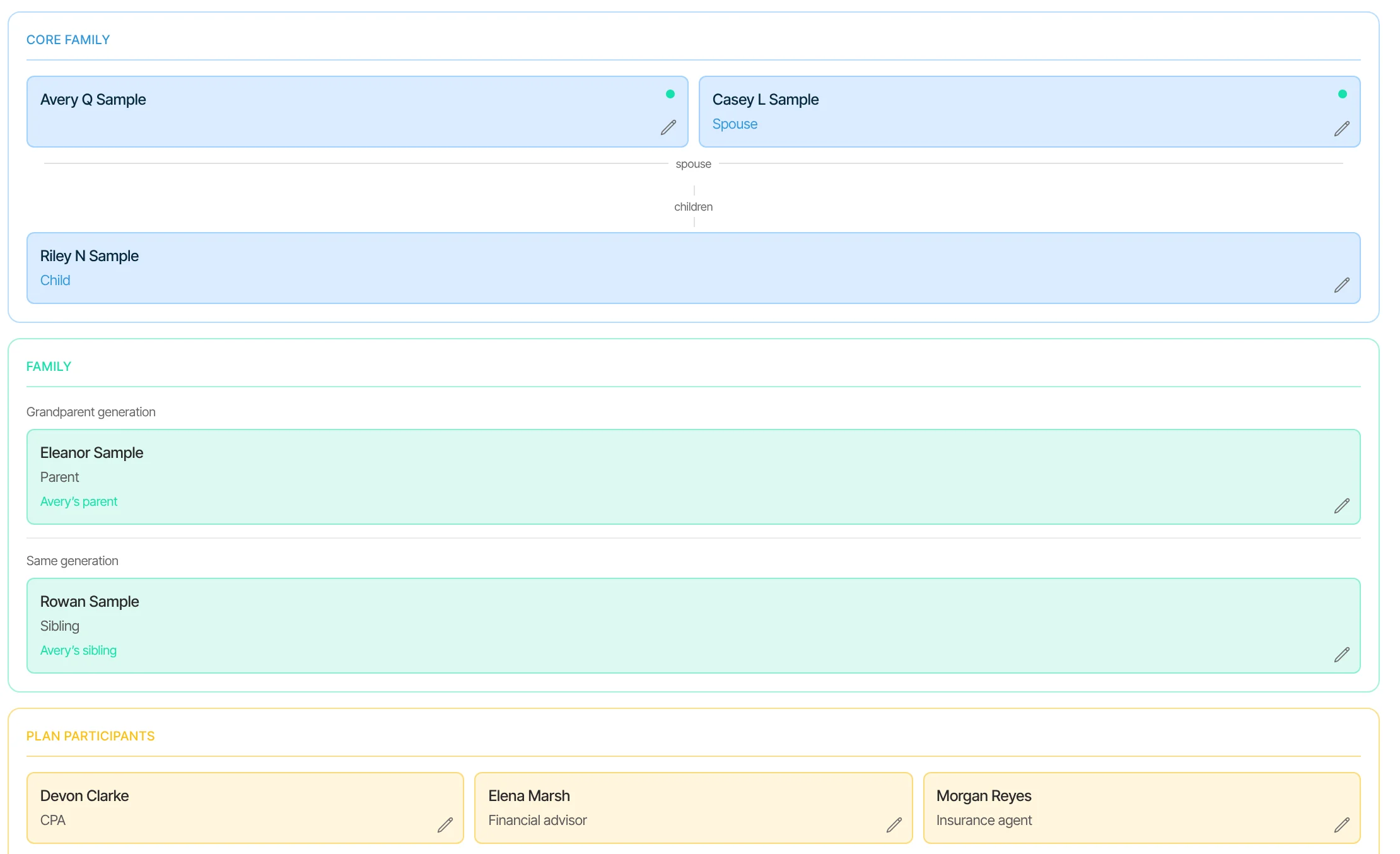
Your advisor, accountant, attorney and insurance agent each hold a piece. Olomon gives them one record to work from, with the access each one needs, so you stop being the messenger.
The situation
You’re the one forwarding the emails.
The accountant needs a statement the advisor has. The attorney asks how the house is titled. Every answer goes through the family, and every professional works from a different version.
- “Did the accountant get the K-1?”
- “Which version of the balance sheet did the attorney see?”
- “Who changed that value, and when?”
- “Who’s handling the refinance paperwork?”
Scoped access
Each person sees what their part needs.
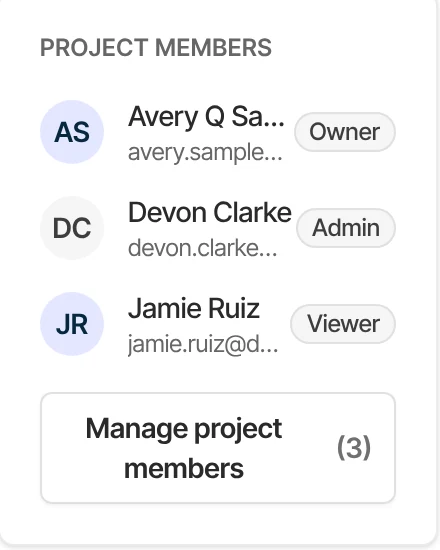
The owner decides who works from the record and how. A professional can work in the whole record, see it as View only, or join a single project.
Who sees what
Illustration| Access | What they can do | For example |
|---|---|---|
| Owner | Everything, including billing. Decides who works from the record and how. | You |
| Admin | Can change anything and invite others, except owners. | A spouse, or a family office |
| View only | Sees the record without changing it. | An accountant reviewing the year |
| Project member | Sees one project, with its own balances, files, tasks and people, and nothing else. | A mortgage broker on a refinance |
How Olomon helps
One record, with the right door for each person.
Each step uses a different part of the record, and they add up.
Step 1
Invite each with the right access
Admin can change anything and invite others, except owners. View only sees without changing. The owner decides who works from it.
Step 2
Or just one project
A professional can be invited to one project, such as a refinance, with its own balances, files, tasks and collaborators, without opening the rest.
Step 3
Work in one place
Tasks with comments, replies and mentions, so the conversation stays with the work. Advisors see every client’s open items in one queue.
Step 4
See who changed what
Changes to the record, with who made them and when, and each value keeps where it came from.
A project, with its own people.
Bring in a mortgage broker or the attorney for one piece of work. They see that project, and nothing else.
What you have
What changes.
Olomon doesn’t replace your professionals or the tools they use. It gives them a shared record to start from.
- Every professional works from the same facts
- Each sees what they need, and only that
- Invitations from a firm carry the firm’s name, its logo if added, and who invited you
- A history of every change, with who and when
- Fewer emails through the family
Built from
The parts of the record this uses.
Professional workspace
How does a firm work across every household it serves, without more overhead?
Documents to facts
What do our documents actually say, and can we trust it?
Ownership and entities
Who owns what, through which entity, in what share?
See a household and its team, on one record.
In the demo we walk through a sample household with its advisor, accountant and attorney. There’s nothing to send beforehand.